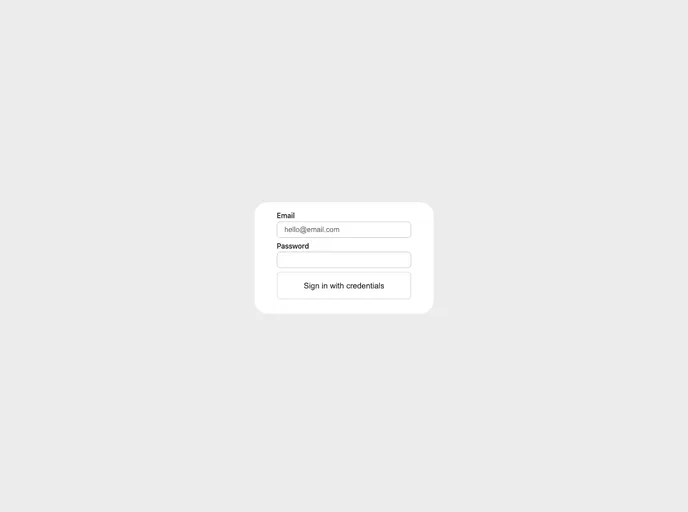
A flashcards app.
Flashcards is a simple CRUD app that allows users to create their own flashcards and categories. It also provides a practice mode where users can review the flashcards either in order or randomly. The app aims to demonstrate Distributed Tracing in Next.js using Sentry.
To run the Flashcards app locally, follow these steps:
.example.env file to .env.DATABASE_URL value in the .env file. You can use any MySQL service (like Cloud SQL or PlanetScale) or set up a local MySQL instance.SENTRY_DSN and NEXT_PUBLIC_SENTRY_DSN values in the .env file.NEXTAUTH_SECRET value. This value can include numbers and special characters.SENTRY_DSN and NEXT_PUBLIC_SENTRY_DSN values for now.pnpm install.npx prisma generate to generate the Prisma client based on the schema.npx prisma db push to initialize your database branch.npx prisma db seed to add demo data (categories and flashcards) so you don’t have to manually create them.pnpm dev command.localhost:3000 in your browser to access the app.admin@admin.com and password admin. Otherwise, you can create a new account by entering your email and password. Note that the “sign in” option also doubles as a “register” option.Flashcards is a simple CRUD app that allows users to create and manage flashcards and categories. It also offers a practice feature to review flashcards. The app demonstrates Distributed Tracing in Next.js using Sentry. To install and run the app locally, you need to set up the environment variables, install dependencies, and configure the database. Once set up, you can access the app on localhost:3000 and use the provided demo data or create a new account.

