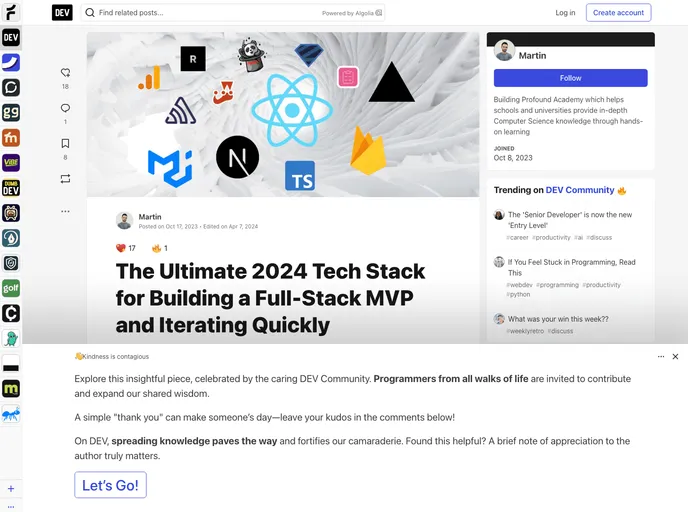
Starter Template for developing a Next.js (15) + Firebase + MUI Project. This repository contains the necessary code to kickstart a project that includes authentication, server-side rendering, MUI components, analytics, and even sending emails
The Ultimate Tech Stack for Building a Full-Stack MVP and Iterating Quickly is a template repo that provides a comprehensive tech stack for building a full-stack Minimum Viable Product (MVP) and enables rapid iteration. This template includes both the front-end (React app) and the back-end (Firebase serverless functions) in one repository, allowing for efficient development and minimizing code duplication. The template also provides detailed instructions on prerequisites, running the project, and available scripts for development, building, and deploying.
.env or env.local file with corresponding environment variables for successful project execution. The file should be placed in the root directory or the functions/ directory for testing or deploying Firebase functions, respectively.To install and set up the Ultimate Tech Stack template, follow these steps:
Ensure you have an .env or env.local file with the required environment variables.
Place the .env file in the root directory or the functions/ directory if running tests or deploying Firebase functions.
Run the following scripts:
yarn dev: Runs the app in development mode.yarn build: Builds the app for production.yarn start: Starts the app in production mode.yarn emulate: Emulates the whole Firebase stack locally.firebase deploy: Deploys the Firebase project to production (Functions, Firestore, and rules).firebase deploy --only hosting: Deploys the React app in the build folder to production.yarn update:models: Updates the models in the Next.js app from functions/models.lsof -t -i tcp:5000 | xargs kill && lsof -t -i tcp:5001 | xargs kill && lsof -t -i tcp:9099 | xargs kill && lsof -t -i tcp:8080 | xargs kill && lsof -t -i tcp:9199 | xargs kill && lsof -t -i tcp:8087 | xargs kill: Kills all Firebase emulators and frees up ports.The Ultimate Tech Stack template offers a comprehensive solution for building a full-stack MVP and iterating quickly. With its mono-repo organization, automated scripts, and shared models, developers can efficiently develop and deploy their projects with minimal code duplication. The template also provides detailed instructions for installation and execution, ensuring a smooth development experience.

