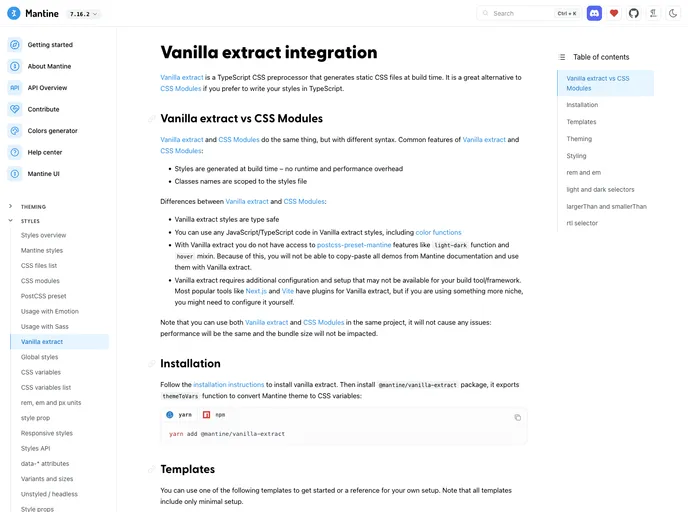
Next Vanilla Extract Template screenshot

Next Vanilla Extract Template

Author Avatar Theme by Mantinedev
Updated: 9 Jan 2026
16 Stars

Mantine + Next + Vanilla extract template

Categories

Overview:

The Mantine + Next + Vanilla extract template is a pre-built website template that combines the Mantine UI framework, Next.js, and Vanilla extract to provide a powerful and efficient development stack. This template is designed to help developers get started quickly with building modern web applications that are easy to maintain and customize.

Features:

  • Mantine UI Framework: The template integrates the Mantine UI framework, which provides a set of customizable and accessible React components for building beautiful user interfaces.
  • Next.js: Next.js is a popular framework for building React applications with server-side rendering and other advanced features like automatic code splitting and static site generation.
  • Vanilla extract: Vanilla extract is a CSS-in-JS solution that allows developers to write their styles in TypeScript and generate optimized, atomic CSS at build time. This helps improve the performance and maintainability of CSS in the project.

Installation:

To get started with the Mantine + Next + Vanilla extract template, follow these steps:

  1. Clone the template repository by clicking on the “Use this template” button on the top of the page.
  2. Navigate to the cloned repository on your local machine.
  3. Install the required dependencies by running the following command:
npm install
  1. Start the development server by running the following command:
npm run dev
  1. Open your browser and visit http://localhost:3000 to see the template in action.

Summary:

The Mantine + Next + Vanilla extract template is a powerful combination of tools that allows developers to quickly and efficiently build modern web applications. With the Mantine UI framework, Next.js, and Vanilla extract, developers have access to a set of customizable React components, server-side rendering, and an optimized CSS-in-JS solution. By following the installation guide, developers can easily get started with the template and leverage its features to build scalable and maintainable web applications.