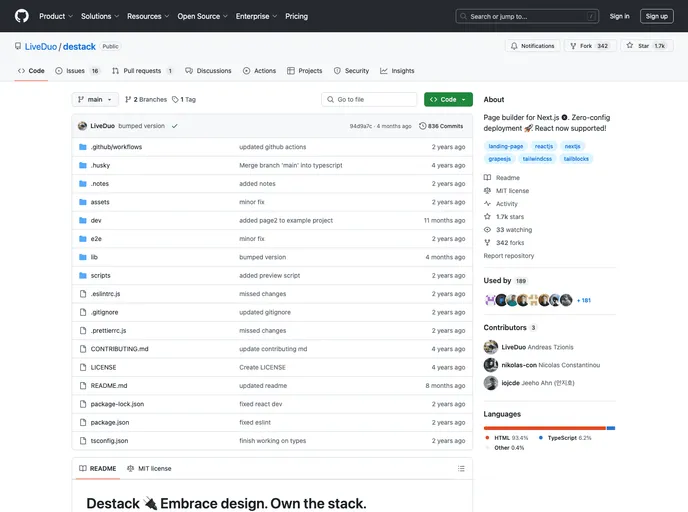
Starter template for Destack - the visual page builder for Next.js.
The Destack Starter is a basic example of a Destack project using Next.js. It consists of a single page that displays a visual editor (in development mode) and the compiled version (in production mode). The main functionality is handled by the pages/api/builder/handle.js file, which is responsible for saving and loading templates. The example can be easily deployed using Vercel or previewed in Gitpod.
handle.js file manages the saving and loading of templates.To use the Destack Starter, follow these steps:
Clone the repository:
git clone [repository_url]
Install the dependencies:
npm install
Run the project in development mode:
npm run dev
For production build, use the following command:
npm run build
Run the project in production mode:
npm start
To deploy the project using Vercel, follow the instructions in the official documentation.
The Destack Starter is a sample project that showcases the basic structure and functionality of a Destack project using Next.js. It provides a visual editor for creating and previewing templates, along with the ability to save and load templates. The example can be easily deployed using Vercel or previewed in Gitpod.

