Overview
The Next.js Material UI Progressive Web App (PWA) Template is a template repository that simplifies the process of setting up and creating progressive web apps. It includes features such as layout options for both desktop and mobile, customizable themes, an onboarding slideshow, service worker integration with the Workbox library, offline fallback, installation prompt, app shortcuts, and a custom Babel.js config.
Features
- Layout: The template supports both desktop and mobile layouts. The desktop layout includes a sidebar on the left side, while the mobile layout offers two options: a traditional layout with a swipeable sidebar and a modern layout with menu items at the bottom.
- Theming: There are two themes available - dark and light - and they can be easily customized.
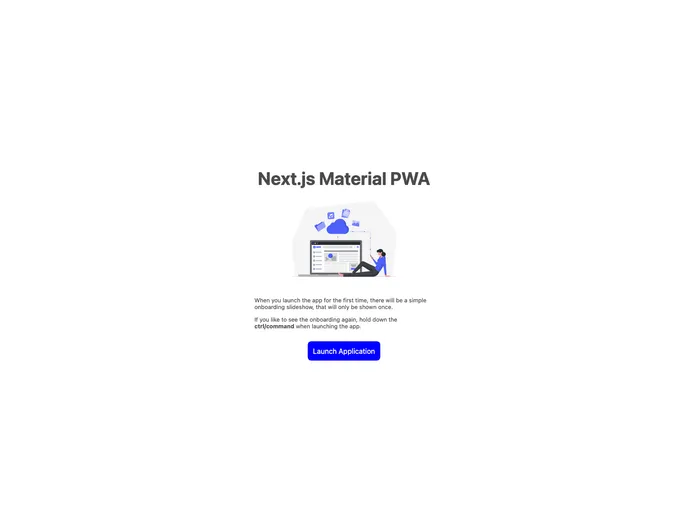
- Onboarding Slideshow: The template includes an optional onboarding slideshow that is commonly found in native apps. This can be easily removed if desired.
- Service Worker: Service worker functionality is integrated using the Workbox library. The service worker precaches routes, images, CSS, and Google fonts, and a new cache manifest is created with each app build. The template also includes a prompt to reload the application when a new service worker is installed.
- Offline Fallback: If navigation occurs when there is no network access, the template provides an offline fallback page. Fallback files must be in pure HTML, CSS, and JS format and should be placed in the public directory. The application also includes network offline detection, with a notification inside the app indicating that the application is offline.
- Installation Prompt: The template includes a custom prompt for installing the app. Please note that this prompt only works on desktop OS and Android, not on iOS.
- App Shortcuts: The application also includes demo shortcuts that are displayed when the app is installed. More information about PWA shortcuts can be found at “Get things done quickly with app shortcuts”.
- Custom Babel.js Config: The template includes a custom Babel configuration that allows for the use of custom environment variable in the application. This includes the app version taken from the package.json file and a boolean variable indicating whether the application is running in development mode.
Installation
To install the Next.js Material UI Progressive Web App (PWA) Template, follow these steps:
- Clone the template repository.
- Open the cloned repository in your preferred editor.
- Run
npm install to install the necessary dependencies. - Customize the themes, onboarding slideshow, and any other desired configurations in the code.
- Run
npm run build to build the app. - Deploy the built app to your preferred hosting platform.
Summary
The Next.js Material UI Progressive Web App (PWA) Template is a comprehensive template repository that simplifies the process of creating progressive web apps. It includes features such as flexible layouts, customizable themes, an optional onboarding slideshow, service worker integration, offline fallback, installation prompt, app shortcuts, and a custom Babel.js config. By using this template, developers can quickly set up a PWA with all the necessary features and functionality.