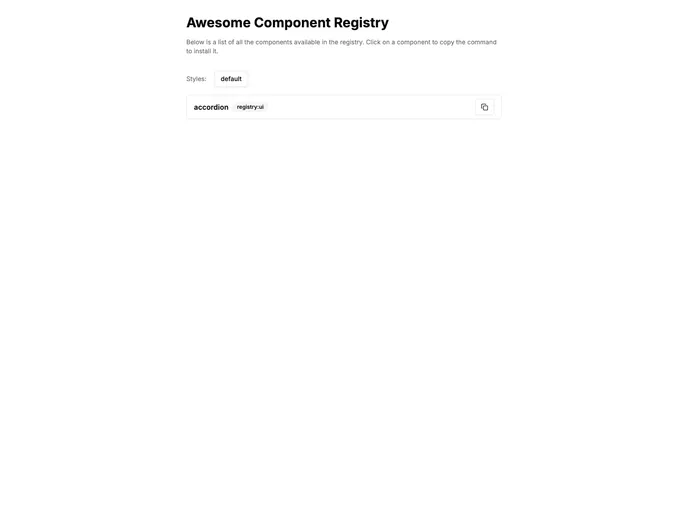
Overview
The shadcn-ui v2.0 offers an exciting upgrade with the introduction of custom registry capabilities, enabling developers to fetch components easily from personalized registries. This template streamlines the process of managing your component library, making it more intuitive for developers to add, modify, and deploy components without hassle. Whether you’re working on hooks, themes, or individual components, this template provides a clear and organized approach to component management.
In addition to its user-friendly design, it simplifies local development and deployment through straightforward commands and an easy-to-navigate homepage for accessing the registry URL. The efficient structure of files further enhances the workflow, allowing developers to focus on creating high-quality components.
Features
- Organized Structure: Components are neatly categorized under the registry folder, making navigation straightforward and intuitive.
- Easy Component Addition: Developers can quickly add new components, hooks, libraries, and themes, enhancing flexibility and modularity.
- Dynamic Registration: Components can be registered in the appropriate registry file (e.g. registry-ui.ts for UI components), facilitating central management.
- Local Development: A simplified homepage is available for running the app locally, making it easy to test and see changes in real-time.
- Seamless Deployment: The app can be deployed on Vercel with minimal effort, ensuring a smooth transition from development to production.
- Command Line Simplicity: Perform actions like building the registry or running the app with simple terminal commands, streamlining the development process.
- Customization Options: Flexibly fetch and utilize components from your unique registries, allowing for tailored development experiences.