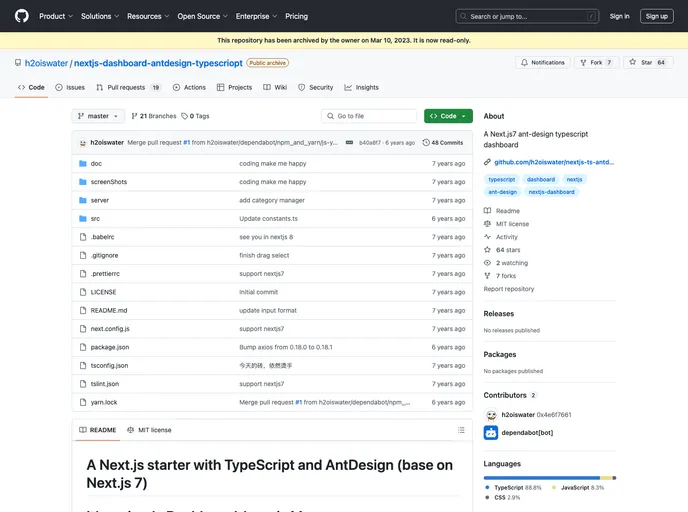
A Next.js7 ant-design typescript dashboard
This product is a Next.js starter with TypeScript and AntDesign, based on Next.js 7. It is a simple dashboard that follows the principle of “Less is More”. The main purpose of this product is to provide a lightweight and efficient framework for building dashboards.
To install this Next.js starter, follow the steps below:
npm install to install the required dependencies..env.example to .env..env file and replace the placeholders LeanCloud API_KEY and APP_ID with your own values.npm run dev to start the development server.This Next.js starter with TypeScript and AntDesign is an excellent choice for developers looking to build a lightweight dashboard. With its integration of Next.js, TypeScript, and AntDesign, it provides a solid foundation for creating efficient and visually appealing dashboards. The installation process is straightforward, making it accessible to developers of all skill levels.

