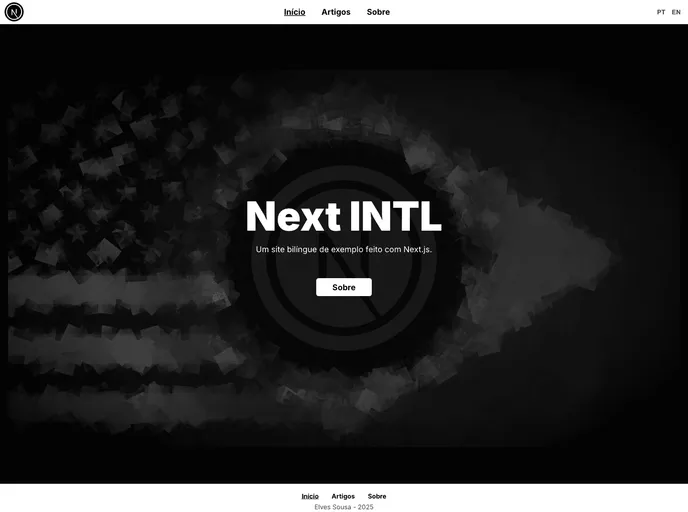
Next Intl screenshot

Next Intl

Author Avatar Theme by Elvessousa
Updated: 17 Jul 2022
38 Stars

Simple multilingual site made with Next.js

Categories

Overview:

This article provides a demonstration of creating a bilingual website using Next.js. It is accompanied by a tutorial on the author’s blog. Additionally, the author encourages readers to view the source code, fork the project, and use it in their own projects.

Features:

  • Bilingual website: Showcase the creation of a website that supports multiple languages.
  • Next.js: Utilize the Next.js framework for building the website.
  • Tutorial article: Access a detailed article on the author’s blog for step-by-step guidance.
  • Source code availability: View and explore the source code of the project.
  • Forking: Clone the project repository and make modifications.
  • Package dependencies: Utilize the following packages for markdown parsing: gray-matter, remark, and remark-html.
  • Contribution: Contribute to the project by forking the repository, creating a branch, making modifications, and pushing changes.

Installation:

To install the theme, follow the steps below:

  1. Fork this repository.
  2. Create a new branch for your feature: git checkout -b my-feature.
  3. Commit your modifications: git commit -m 'feat: My new feature'.
  4. Push the changes to your branch: git push origin my-feature.

Summary:

This article provides a walkthrough on creating a bilingual website using Next.js. It offers a tutorial, source code availability, and encourages readers to contribute to the project. The installation process involves forking the repository, creating a new branch, making modifications, and pushing changes.