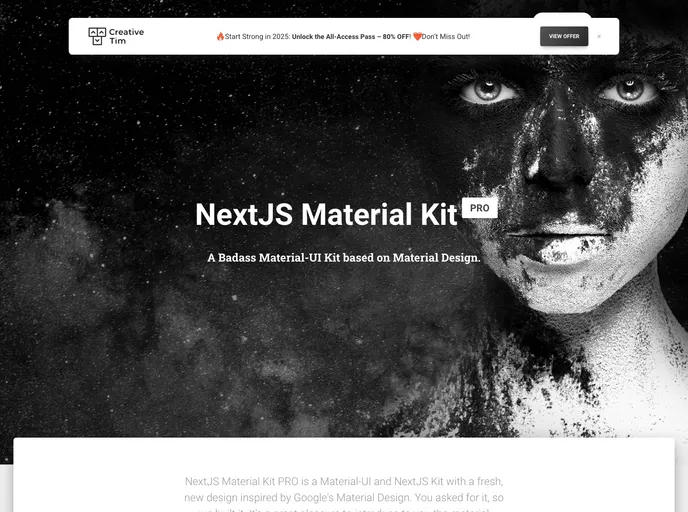
NextJS version of Material Kit PRO React
NextJS Material Kit PRO is a Premium UI Kit made for NextJS version 9.0.5, React version 16.9.0 and Material-UI version 4.3.2. It features a wide range of components that can help users create amazing websites. The kit is designed with bright and fresh colors, making it visually appealing.
To install NextJS Material Kit PRO, follow these steps:
npm install in the terminal.npm start to start the project.npm run install:clean which will delete node_modules, package-lock.json, .next/, automatically run the install script, and start the script.NextJS Material Kit PRO is a premium UI Kit designed for NextJS, React, and Material-UI. It offers a wide range of components and allows for easy customization. The installation process is straightforward and can be done by following the provided steps. Overall, this UI Kit is a great choice for developers looking for a comprehensive solution for creating stunning websites.

