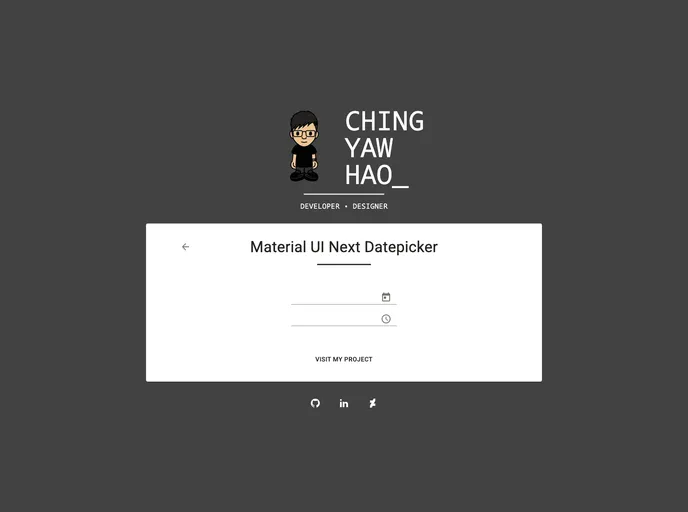
Material UI Next Pickers screenshot

Material UI Next Pickers

Author Avatar Theme by Chingyawhao
Updated: 5 Mar 2021
81 Stars

A material ui next datepicker, demo on

Categories

Overview

The Material UI Next Pickers is a repository that serves as a sample for creating a datepicker or timepicker in Material UI Next. It can be imported as a datepicker or timepicker component for easier implementation.

Features

  • Customizable Design: The Material UI Next Pickers allows you to customize the design of the datepicker or timepicker according to your preference.
  • Easy Integration: The repository can be imported as a component in your project, making integration seamless and hassle-free.
  • Support for Material UI Next: The pickers are designed to work seamlessly with Material UI Next, ensuring compatibility and a consistent user experience.

Installation

To install the Material UI Next Pickers in your project, follow these steps:

  1. Make sure you have Material UI Next installed in your project.
  2. Use the npm command to install this package:
npm install material-ui-next-pickers
  1. Once installed, import the package in your project using the following code snippet:
import { DatePicker, TimePicker } from 'material-ui-next-pickers';
  1. You can now use the imported components as datepicker or timepicker in your project.

Summary

The Material UI Next Pickers is a useful repository that provides a sample for creating datepickers and timepickers in Material UI Next. It offers customizable design options, easy integration, and support for Material UI Next. By following the installation guide, you can quickly add these pickers to your project and enhance the user experience.